Project Motivation
The Magcubic HY350 Max is an LCD projector with 1080p native — 1920 × 1080 real pixels, not an image upscaled from 720p, which is far from being the norm in this price range. It's powered by an Allwinner H726 running Android 14, with autofocus and automatic keystone correction. (official product page)
Native resolution      1920 x 1080, LCD panel
Brightness             600 ANSI lumens
Image size             35 to 135 inches diagonal
Throw ratio            1:1  (a 2.50 m wide image
                             needs 2.50 m of throw distance)
Contrast               10,000:1
System                 Android 14 - Allwinner H726
Network                Wi-Fi 2.4 / 5 GHz, Bluetooth 5.4
Audio                  15 W speaker
Dimensions             183.5 x 176 x 109 mm, 1.41 kg
Two honest clarifications, because product sheets have their shortcuts, and I'd rather we're on the same page from the start.
The "8K" you see mentioned everywhere refers to video decoding, not display: the device can read an 8K file, but it displays it in 1080p. Which is already very good, and honestly plenty for the image size in question.
And at 600 ANSI lumens, this is a dark-room or evening device. Don't expect to project with the shutters open in broad daylight: no projector in this category can do that, whatever the listings claim with their promises of 20,000 "lumens" without specifying which kind.
That said — and I want to say it, because the rest of this article might suggest otherwise — the value for money is unbeatable. The official site lists it at €104.95, and it regularly turns up between €60 and €80 on sale on marketplaces. For that price, having real 1080p, autofocus, automatic keystone correction and a speaker that holds its own was unthinkable three years ago. At home it projects a 2.50 m wide image and the result is very convincing. It would be a shame to pass it up!
That's actually the whole point of this project: I had no intention of throwing away a good device. I just wanted it to stop doing things I hadn't asked it to do.
Following the articles published about these projectors (sources 1, 2), I wanted to look at what was actually on my HY350 Max's ROM, and then clean it up.
For its part, the manufacturer published an official statement about certain APK files found on the HY300 series equipped with the H713 chip. It states that models with the H726 chip are not affected. The HY350 Max is an H726. The second article, devoted to the analysis, will simply present the findings I made on mine.
Articles and Personal Analysis
According to these articles, and after examining the projector myself, the firmware inspection reveals the presence of applications and services embedded in the system. They belong to the Hotack software base that these projectors are built on: the manufacturer assembles hardware around a base supplied by a third party, which is standard practice in this industry.
These components appear nowhere in the interface, and run with Android's system identity — in other words, the highest privilege level an application can be granted. They contact remote servers from startup, in the background, with nothing shown on screen and no prompt to the user.
The published analyses go further: they describe devices of this type enrolled as residential proxies, where the household's Internet connection is used to mask the origin of malicious activity. I did not attempt to reproduce that part. I'm sticking to what I could verify myself, and I refer to the sources for the rest — that distinction matters to me.
A word, too, on what I won't write. What a firmware contains and what it does can be established: that's measurable, and it will be the subject of the second article. Who put it there, and why, cannot be established. A manufacturing chain involves several parties, and any one of them could itself have been compromised somewhere along the way. There are victims — starting with those who bought the device — but naming a culprit would amount to speculation, and I will refrain from doing so.
Outcome
A Simplified Update
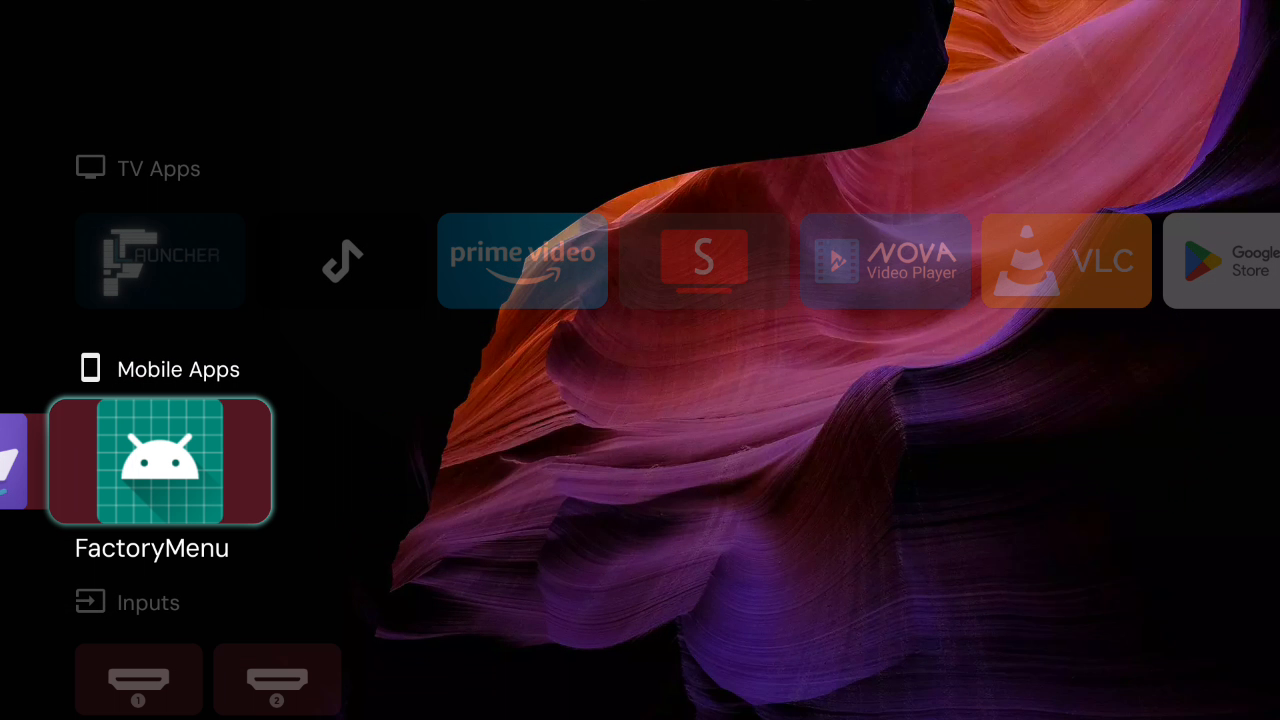
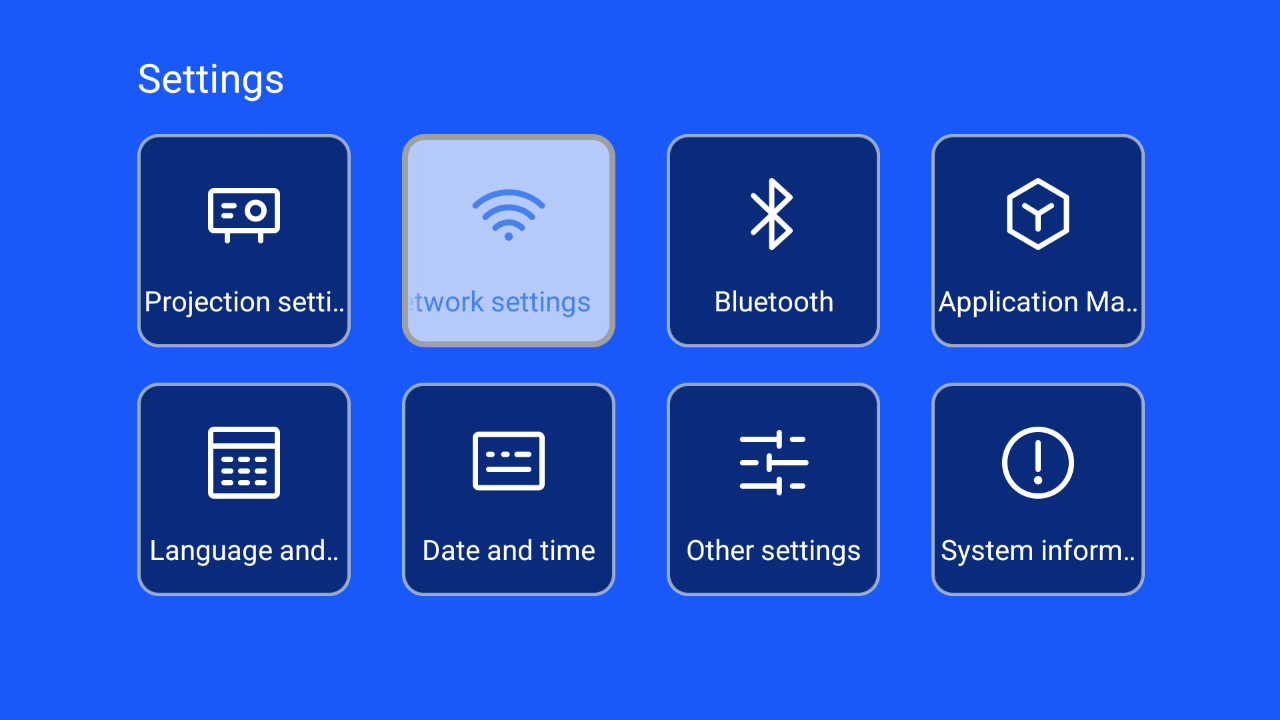
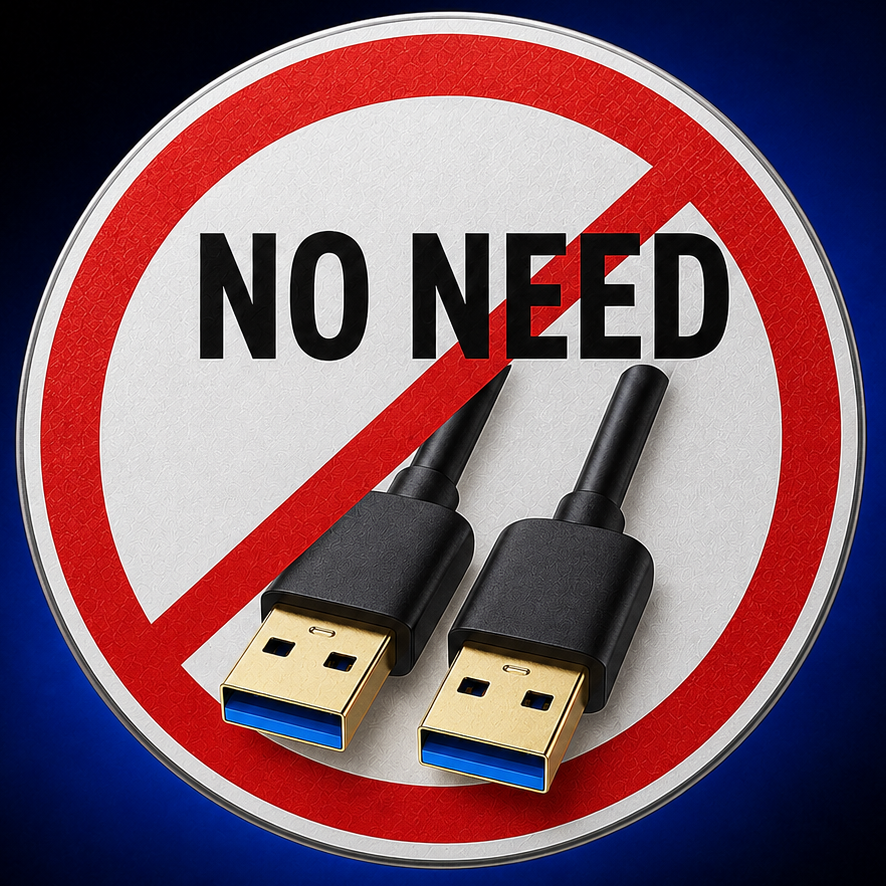
The procedures found online are tedious. They first require connecting the projector to the Internet to enable ADB, either through the Android settings or the factory menu on the device, and then connecting it to a computer with a USB type A ⟷ USB type A cable. This isn't within everyone's reach.
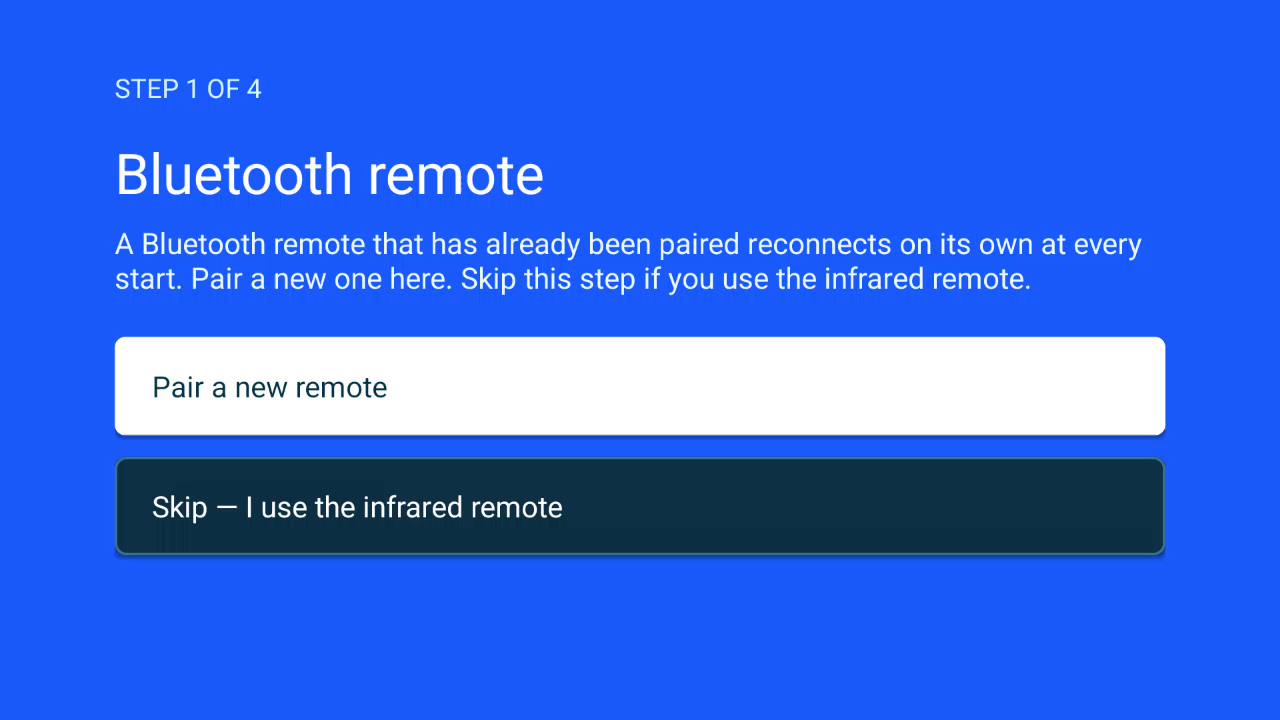
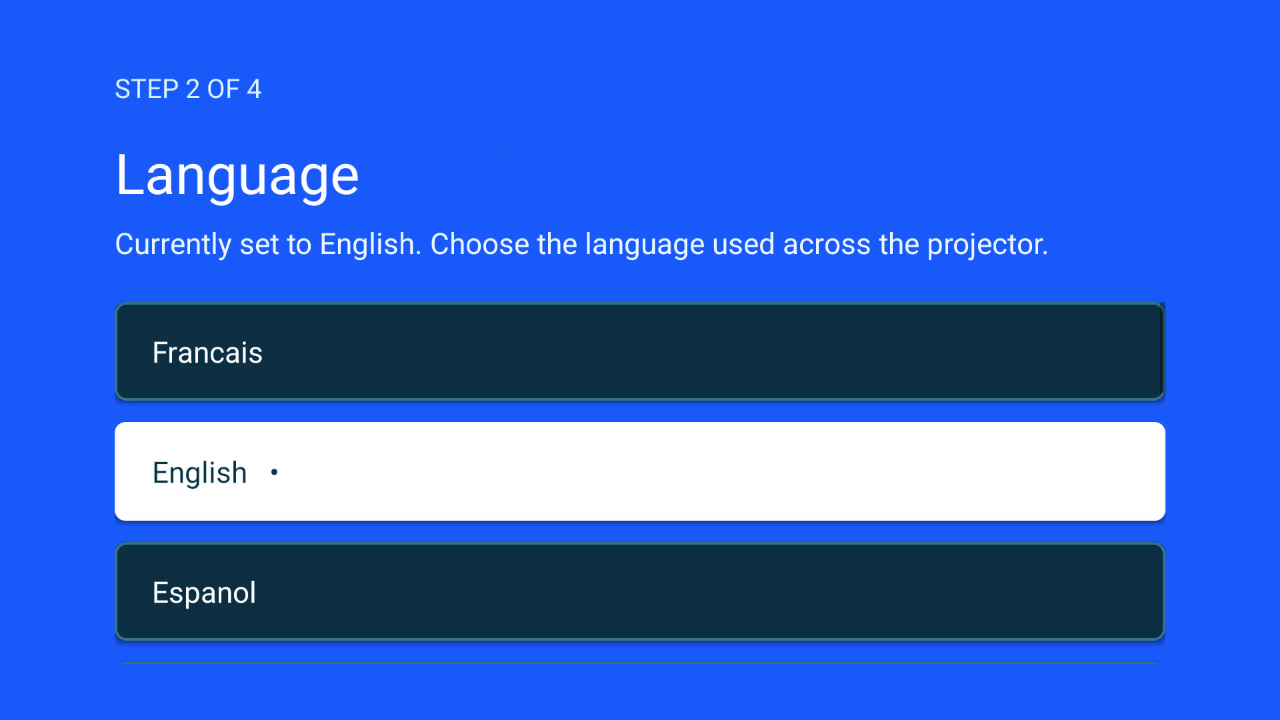
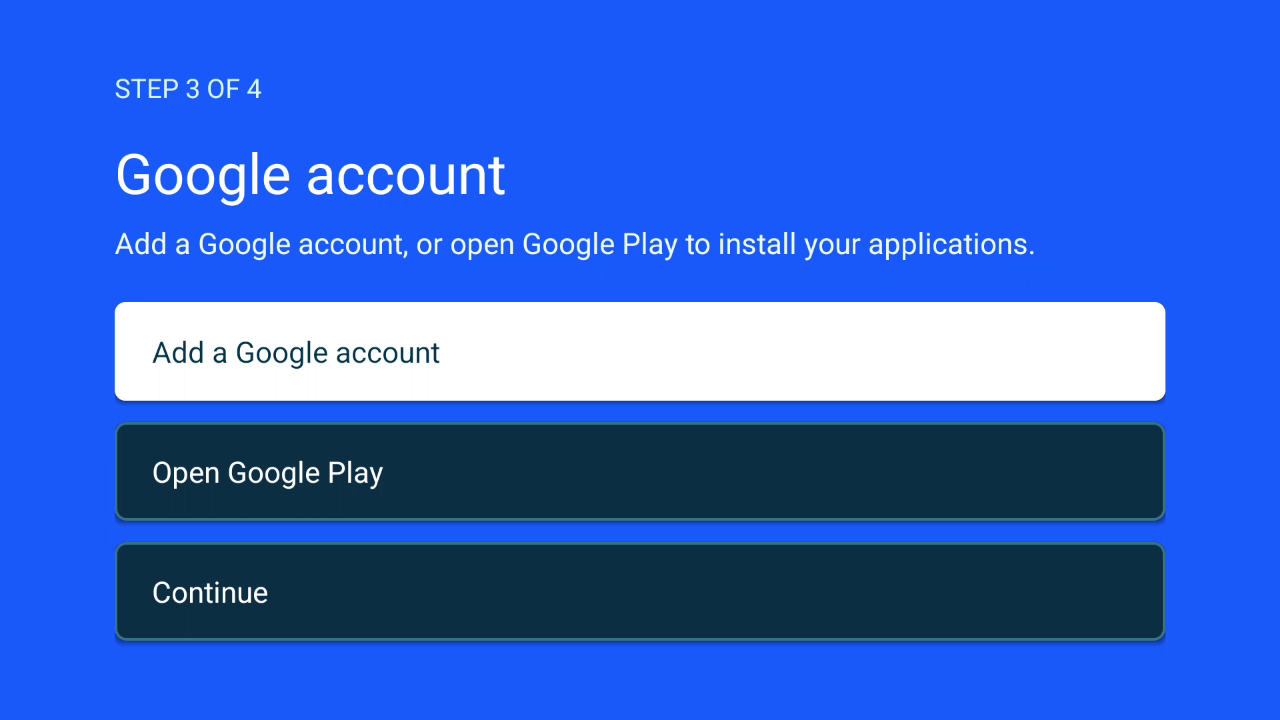
Here you'll find 4 files that I've prepared.
The other option is to get a custom ROM and, still using the same cable, flash it onto the projector with dedicated software.
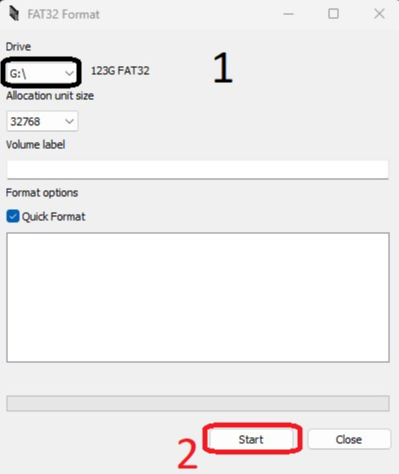
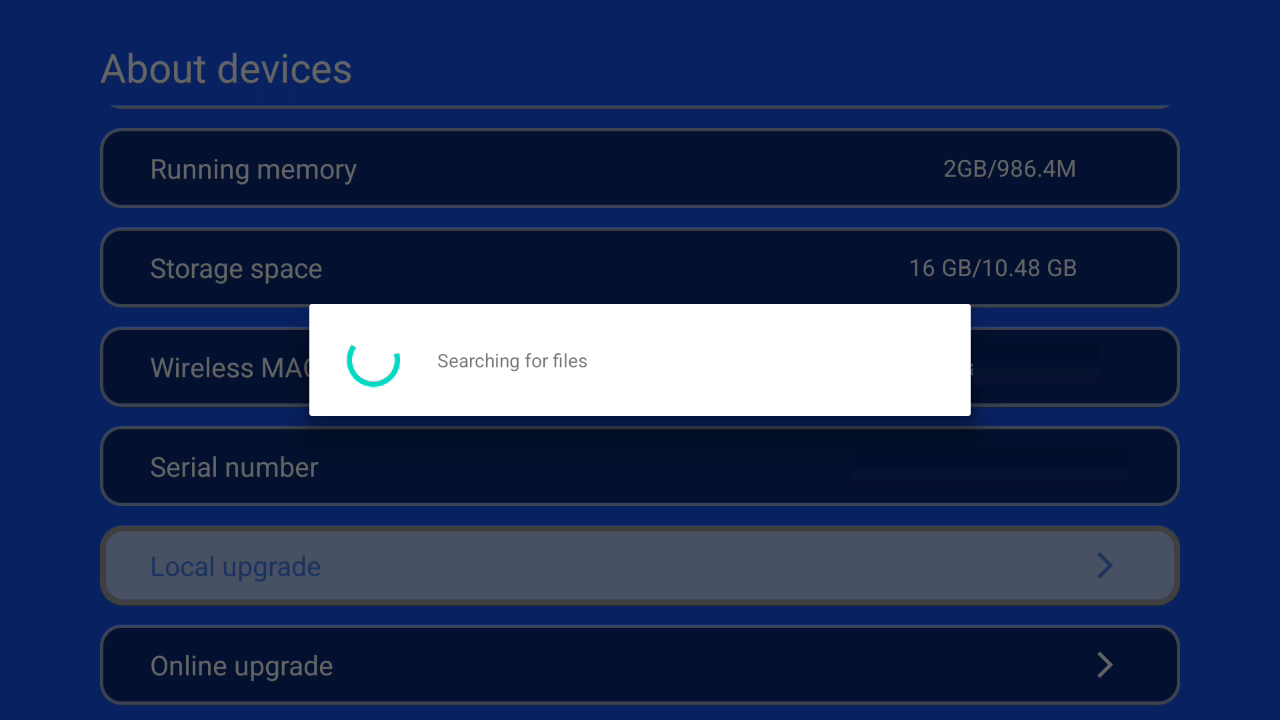
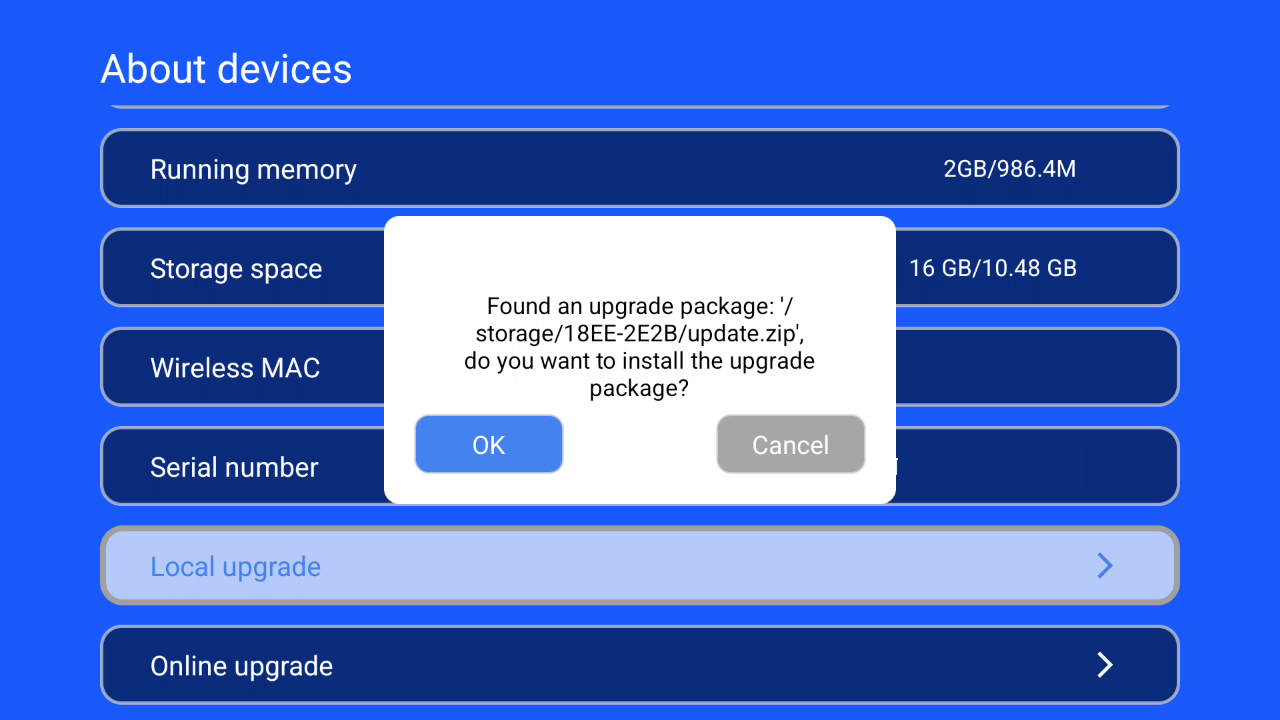
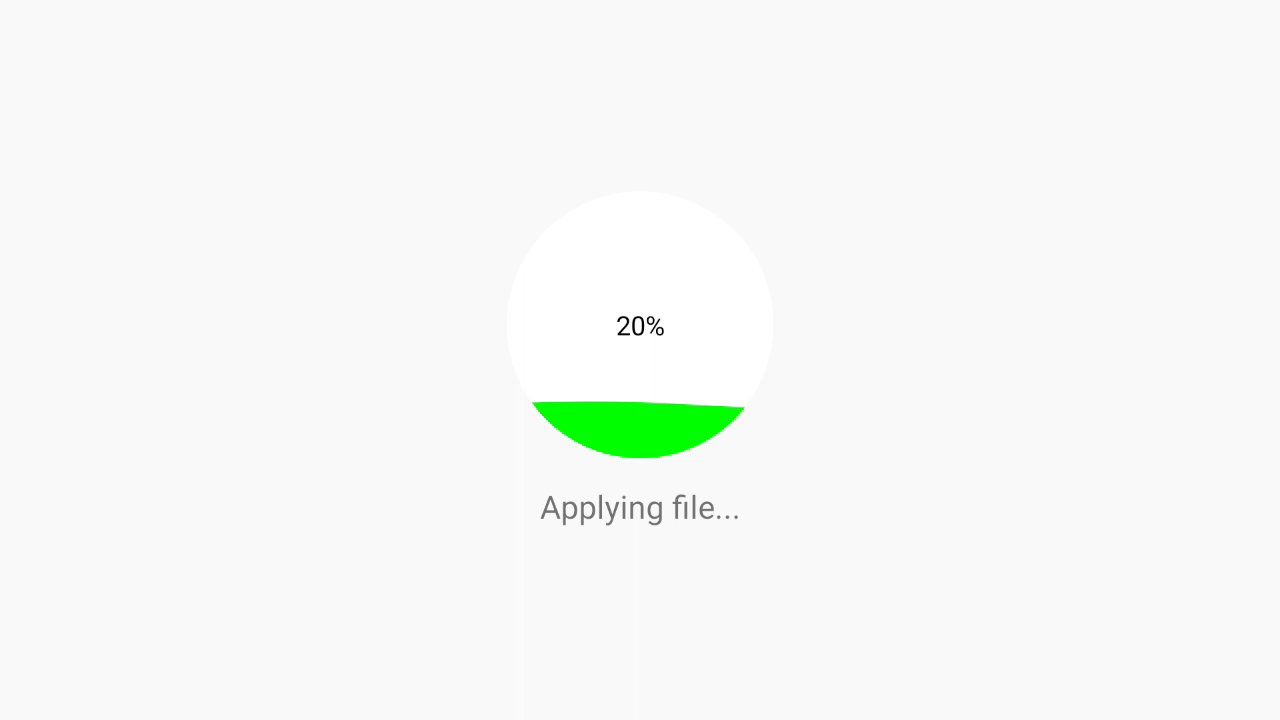
I wanted to simplify all this by offering two update formats that only require a FAT32-formatted USB drive.
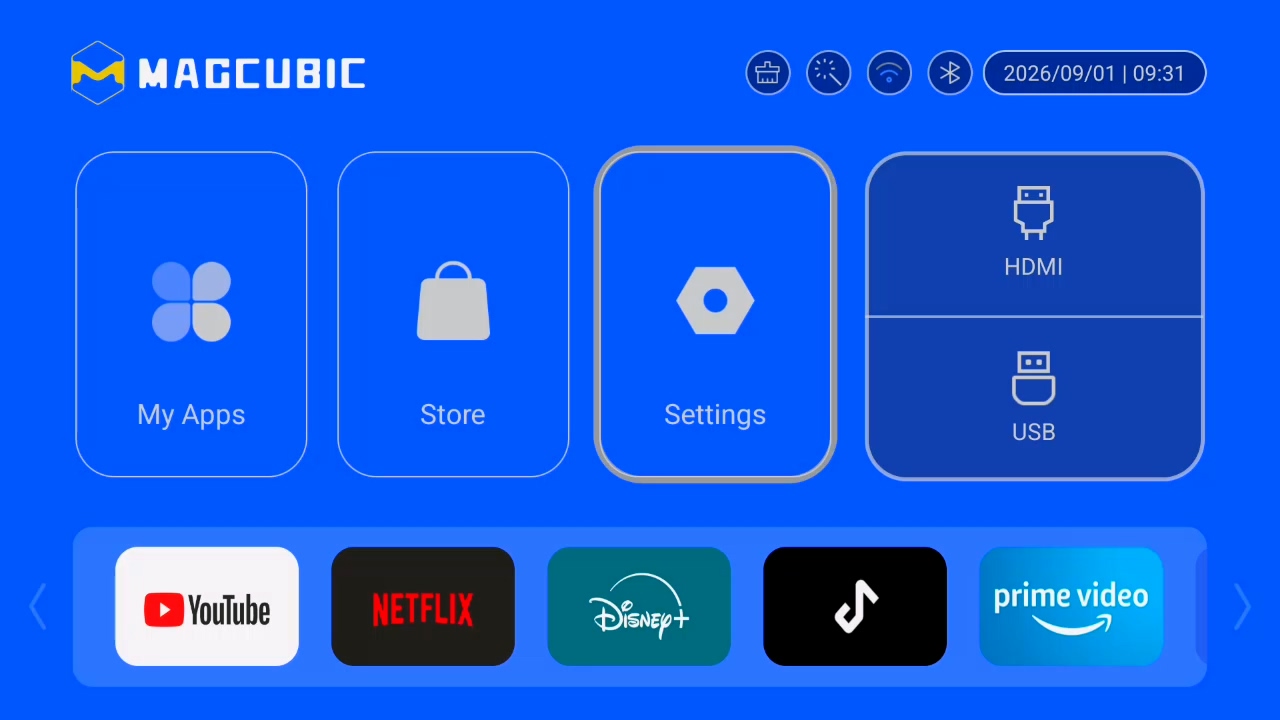
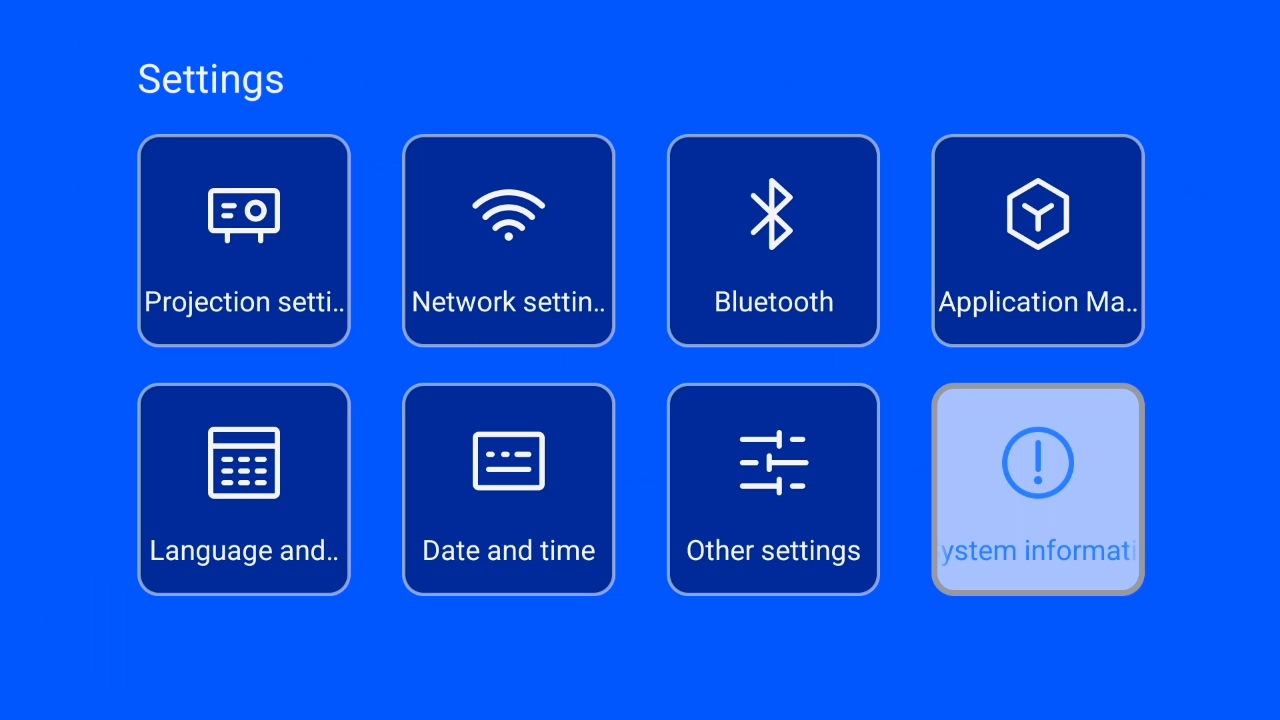
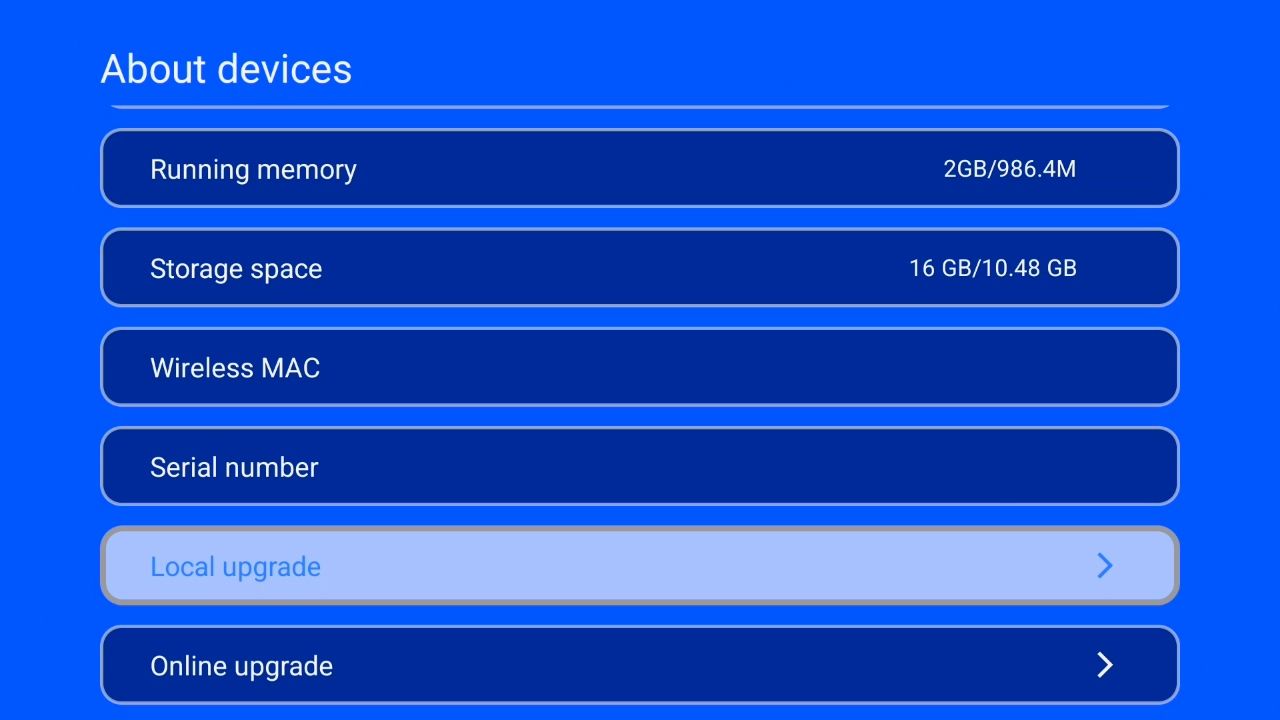
- The OTA update, directly from MagcubicOS, the manufacturer's interface: it keeps your existing apps and settings.
- The boot-time update, by powering on the projector: it erases your existing data.
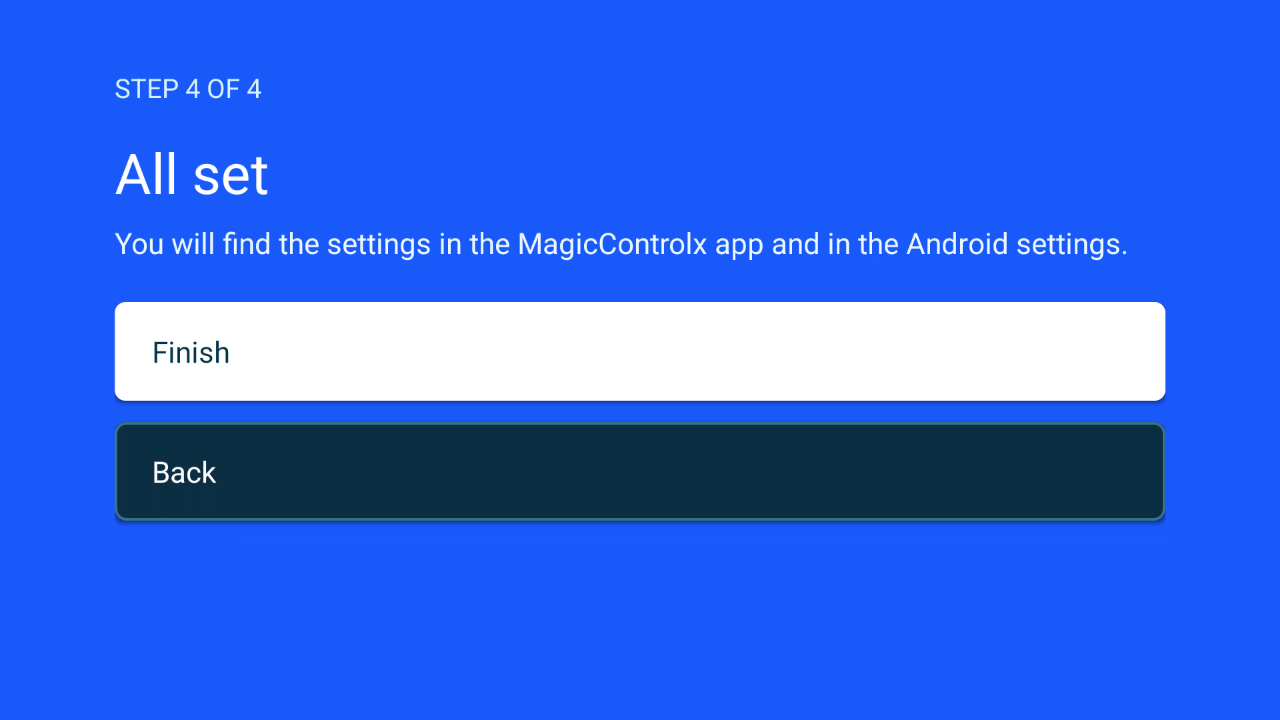
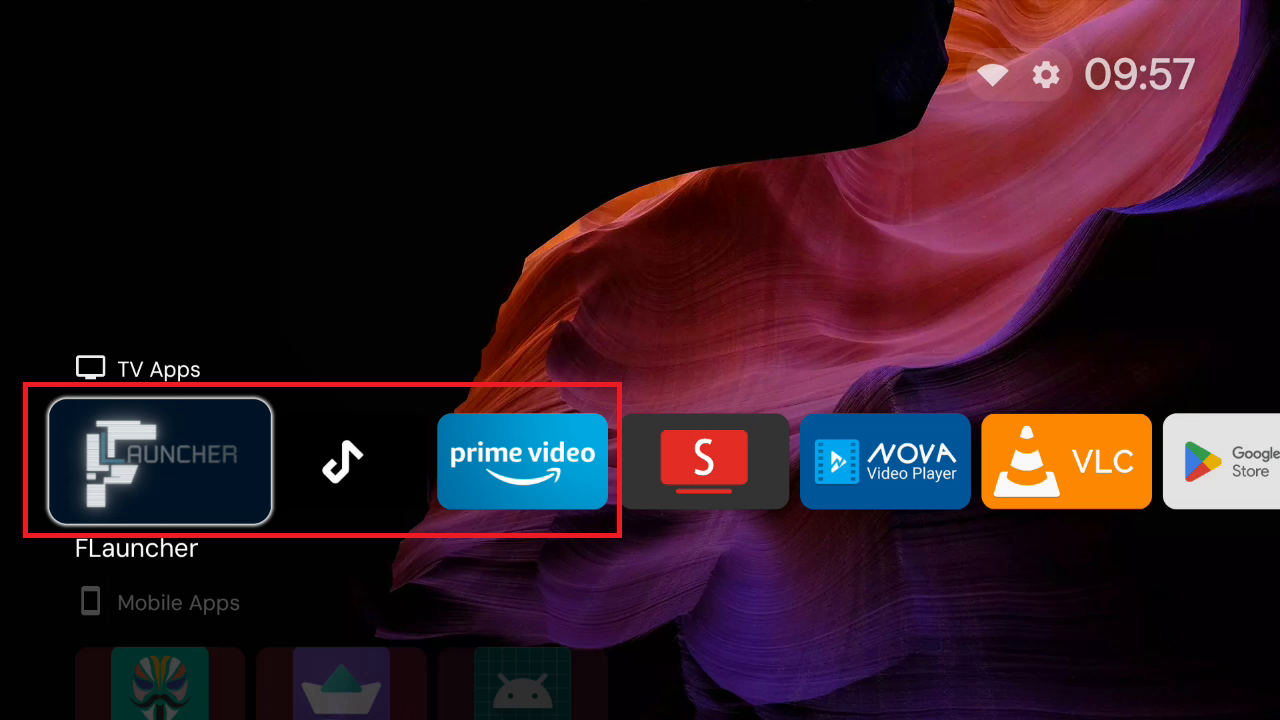
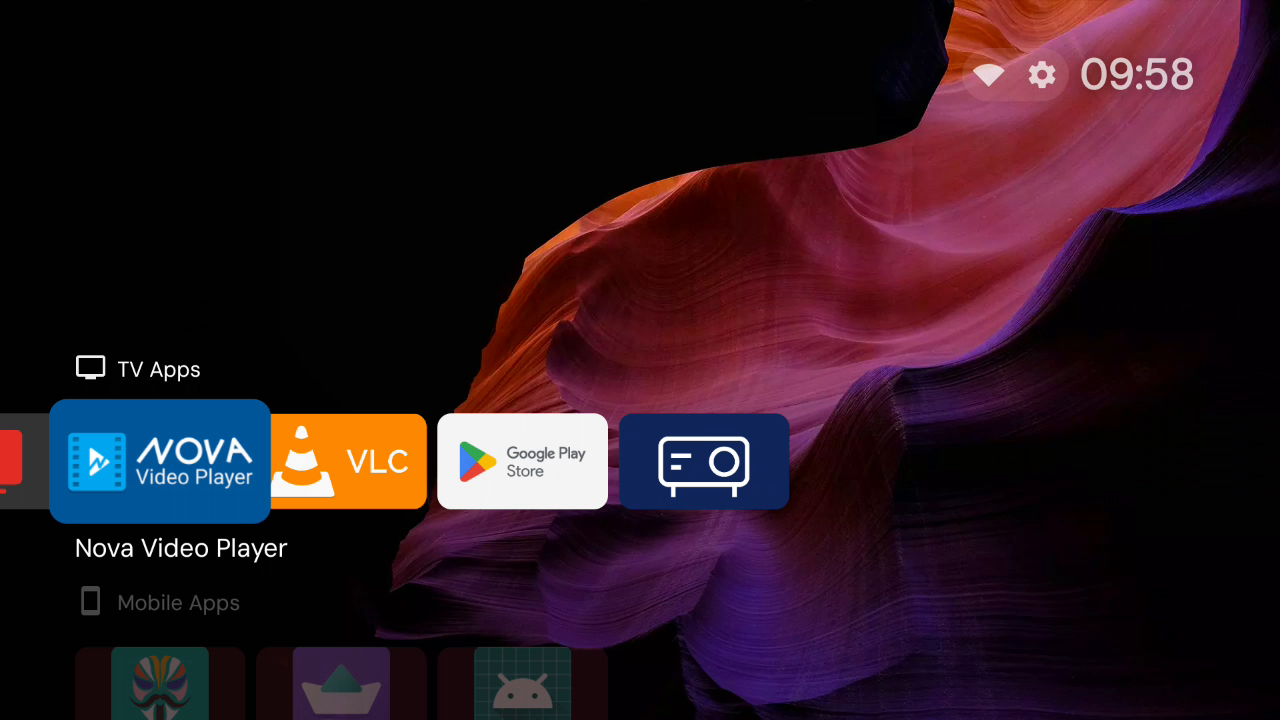
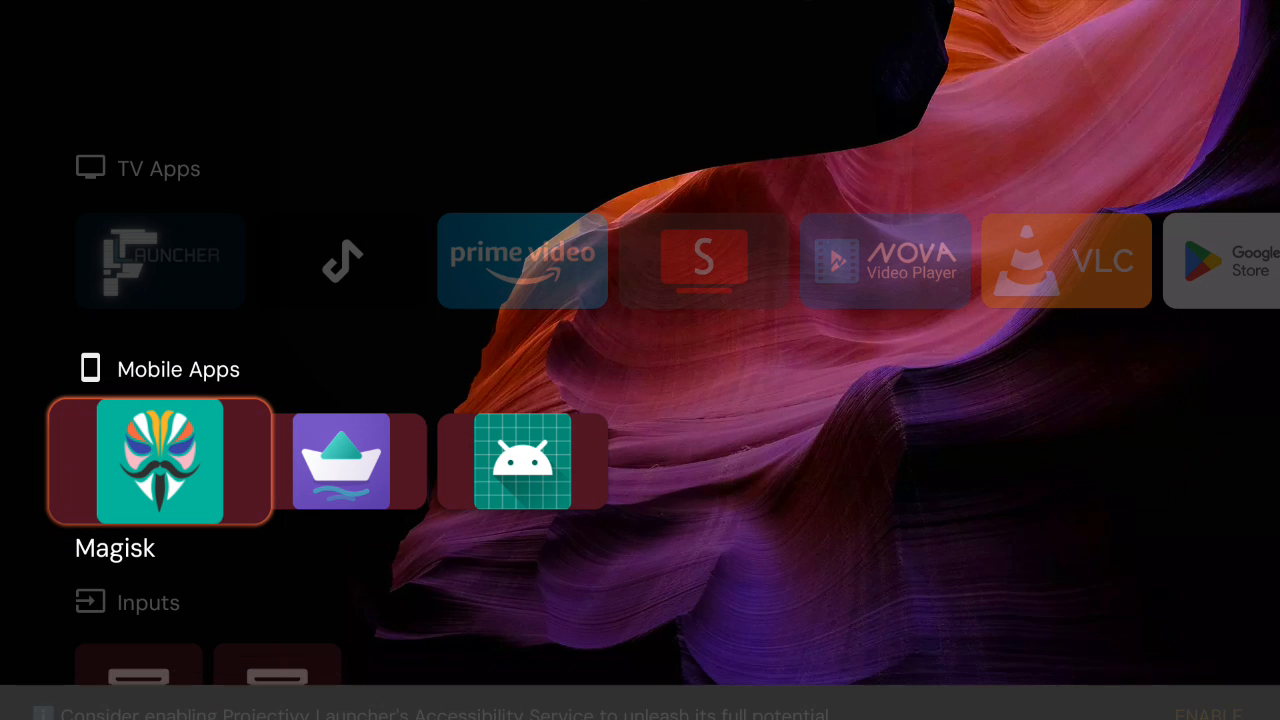
For these ROMs, I installed and preconfigured several apps:
- Projectivy: a launcher well suited to remote control use, fully customizable, with quite a few interesting options
- SmartTube: for your YouTube videos
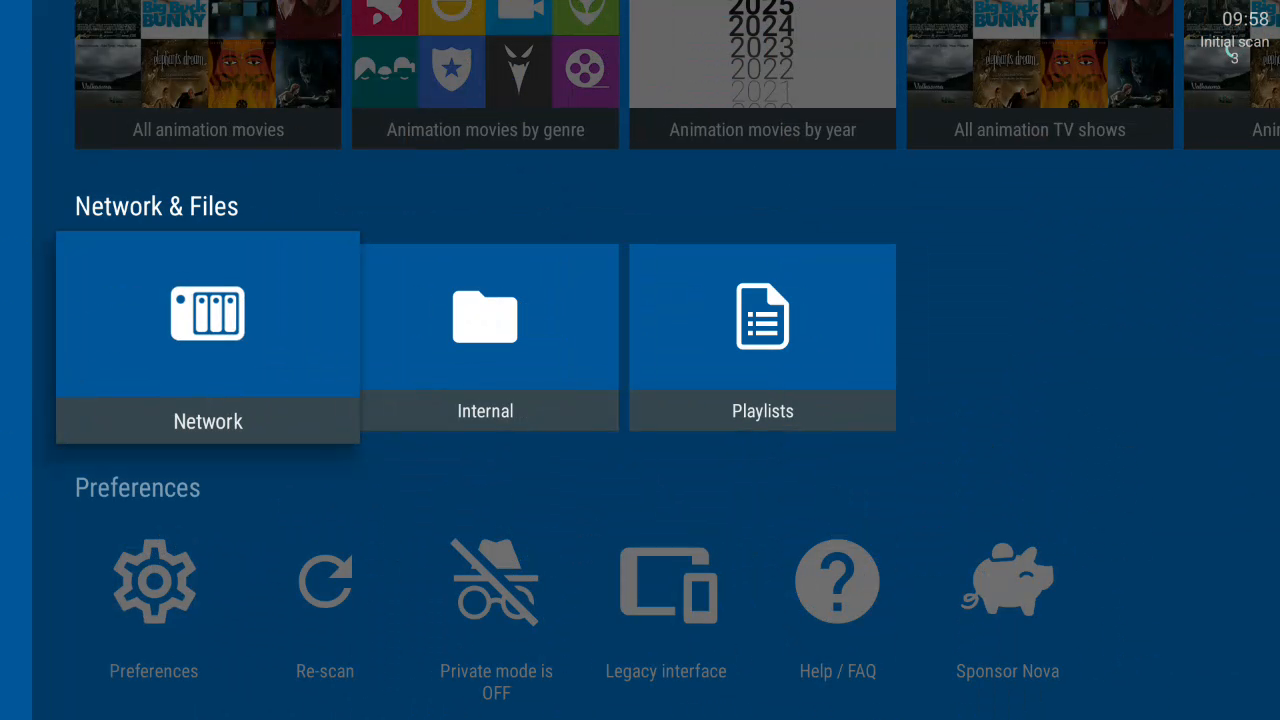
- Nova Player: open source, for your USB and network videos, with a cover-art display, like a real video library
- VLC, which needs no introduction
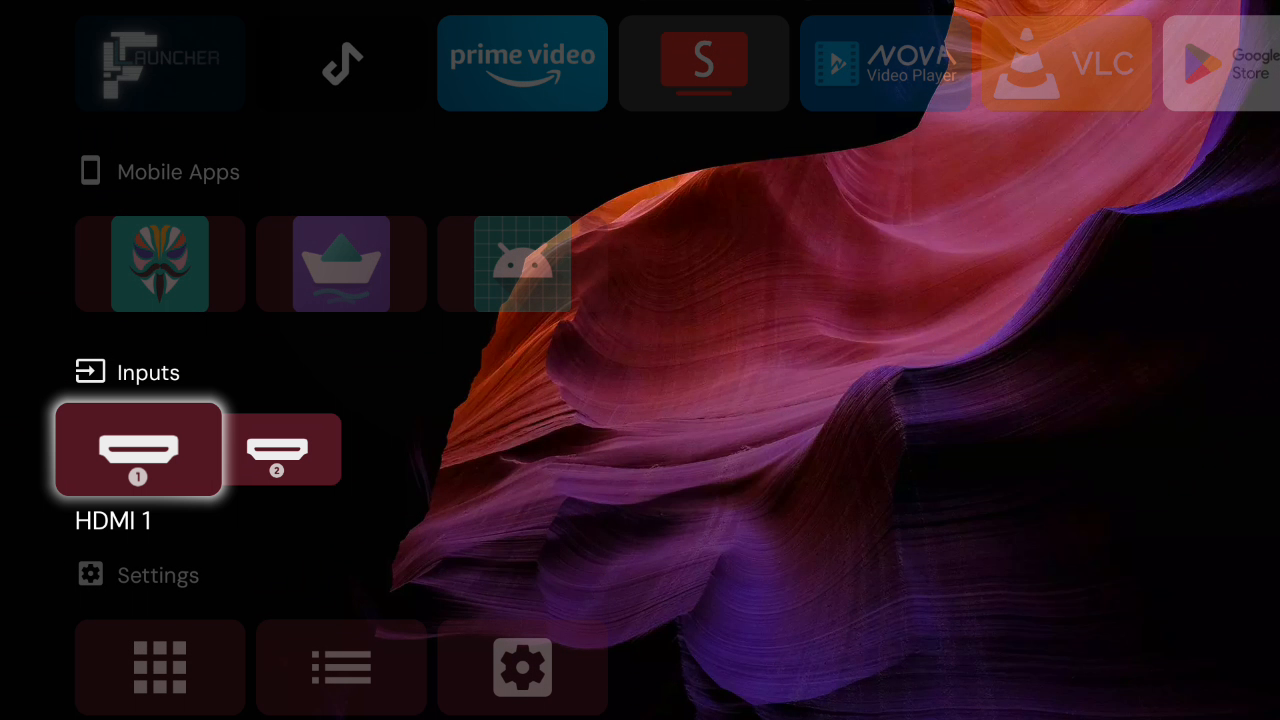
- Voyager: open-source file manager, with excellent access to network shares
I also updated Google Play services as well as the Play Store. One important detail: these updates were done by Android itself, not with an APK pulled from a third-party site. So it's the system that verified Google's signature.
Under the hood: what exactly are we opening up?
Four Russian dolls
Before getting into the tests, let's set the scene. When you download the official HY350 Max firmware from the manufacturer's support site, you get an update.img file that's 2.2 GB. You might assume this is a disk image. Not at all.
It's an archive, in the IMAGEWTY format specific to Allwinner. It contains around sixty files: the bootloader, the boot environment, the partition tables, the boot-up logo… and above all a large chunk named super.fex, which itself contains the Android partitions.
update.img            IMAGEWTY archive
 └─ super.fex         dynamic partition image
     ├─ system        Android
     ├─ product       manufacturer apps
     ├─ vendor        drivers
     └─ …
In other words: an archive, inside which there's a dynamic partition image, inside which there are file systems, inside which there are the apps. Four Russian dolls. Each layer requires its own tool, and none of them forgives a single byte out of place.
The detail that cost me two days
In this archive, every file comes with a verification companion: next to mediadata.fex, there is Vmediadata.fex, which holds its checksum. If you modify the first without recalculating the second, the device rejects the image. Makes sense.
I had written the tool that recalculates these checksums. It worked. Except for one file, always the same one, and I couldn't figure out why. The answer:
expected by my tool     : Vmediadata.fex
present in the archive  : vmediadata.fex
One letter. The image went out with a stale checksum, and the projector rejected it without a word of explanation.
I'm telling this story because it's exactly what this kind of work looks like. It's almost never an intellectual obstacle. It's a letter, a byte, an offset.
The OTA update: four closed doors
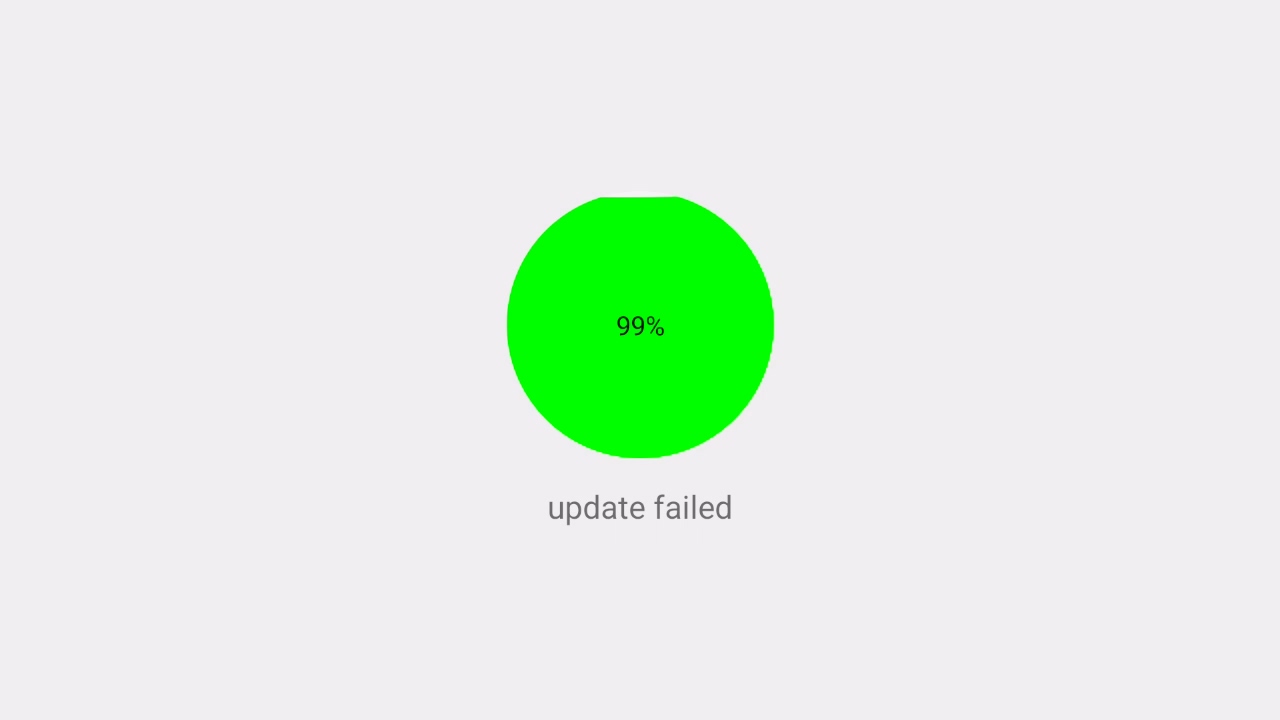
By far the hardest part was building an update that the projector would accept without a cable. Android has been able to do this for a long time: the official A/B update documentation describes exactly the expected format. I followed the documentation to the letter. The projector said no.
Four times, for four different reasons. The first three shut the door before installation; the fourth only shows up once everything else has succeeded. Figuring out the first three required decompiling the manufacturer's update app, and the last one took a lot of observation. I'm detailing them here because they aren't documented anywhere, and if someone ever goes looking, this will save them weeks.
First door: a negative-size array
First attempt: the app crashes immediately.
java.lang.NegativeArraySizeException: -1Decompiling it makes it clear: the app reads the metadata size by querying the entry's local header in the ZIP file. But that size is only present if the entry is stored uncompressed. Otherwise the function returns -1… and the program tries to allocate an array of minus one byte.
Fix: the metadata must be stored uncompressed, and in first position in the archive. Something the Android documentation asks for nowhere.
Second door: but where is the payload?
Second attempt. This time the app starts, the progress bar moves forward… and stops:
ERROR_CODE = 21
invalid delta magic
Translation: "what I'm reading doesn't look like an update." Back into the decompiled code, and a rather stunning discovery: the app never actually looks for the payload file in the archive. It reads its byte position from a metadata field. If that field is absent, it reads from the beginning of the file — meaning anywhere.
ota-property-files=payload.bin:<offset>:<size>,…And here's a neat chicken-and-egg problem: the payload's position depends on the metadata's length, which changes the moment you write that position into it. Writing the number moves the very thing you're trying to measure.
The solution comes down to two passes. We first assemble it with a fixed-length placeholder — zeros, but the right number of zeros. We measure the real positions. We reassemble it with the actual values written in, padded with spaces so the length doesn't shift by a single character. Then we check that the positions really haven't moved.
Third gate: the signature you don't see
Third attempt, third rejection:
ERROR_CODE = 39
payload metadata signature missing
Signing the archive isn't enough. The update engine also wants a signature inside the payload, one that covers its own internal hashes. It's documented at AOSP, but on the verified boot chain side, not the package format side — and when you're looking in the wrong place, you don't find it.
Building it takes three steps: extract the payload's hashes, sign them, inject them back in. And crucially, regenerate the properties file after signing, otherwise it describes a payload that no longer exists.
Fourth gate: the one that only shows up at the end
The package passes. The installation runs to completion. The device boots, the image is correct, the data is preserved. Victory?
Almost. The Play Store was missing, and the Android Settings app showed up as an ordinary app among the others. Two symptoms with no apparent connection, yet a single cause.
Android keeps an analysis of installed apps in memory, in a cache it only recomputes if the build fingerprint changes. Since the update preserves data — that's the whole point — this cache survived. The system was therefore reading back its own analysis from the previous version, ignoring everything the new one brought.
The fix comes down to a small script that runs very early at boot: it compares a version marker placed in the image against the one kept in the data. If they differ, it clears the cache before Android has even started analyzing anything.
version in the image  : v1-20260831045953
marker in /data       : v1-20260831045953   -> nothing to do
                        (different)          -> clear cache
No documentation could have taught me that one. I had to reflash the original firmware, redo the update, observe, and start over.
Twelve partitions according to Android, fifteen on this projector
Let's go back for a moment to an obstacle that had nothing to do with the package format. Once it was finally accepted, the installation would go all the way through: the projector would reboot… and not start again.
An A/B device has two sets of partitions: while you're using set A, the update writes to set B, then switches over on reboot. The mechanism is robust — that's the whole point of it. But set B still needs to be complete.
Reading the bootloader environment, I found its own list of partitions to duplicate. It's longer than Android's:
ab_partition_list = bootloader, env, boot, vendor_boot, dtbo,
                    vbmeta, vbmeta_system, vbmeta_vendor,
                    init_boot, Reserve0
Three of these names — bootloader, env, and Reserve0 — don't exist in the Android standard. A compliant update therefore doesn't fill them in. The manufacturer, for its part, handed them off to an in-house mechanism that requires a file delivered by a server… whose domain no longer exists.
Result: the second set received twelve partitions out of fifteen, and booted with a factory-fresh environment, with no usable boot command. No screen, no USB, nothing.
The black screen, and what saved me
I added the missing environment. I tried again. The projector powered on — and stayed black. On, but black.
It took me a while to accept it: the bootloader partition doesn't just hold the bootloader itself. It also holds gamma.tbl and LogoRegData.bin, in other words the panel initialization. Without it, the system boots perfectly fine and simply has nothing to turn the image on with.
What saved me every time was the A/B mechanism itself. After a few failed attempts, the bootloader falls back on its own to the previous system. Four to six power cuts, leaving thirty seconds each time, and the device comes back up on the old version. Without losing a single piece of data.
When even that safety net wasn't enough, there was still PhoenixSuit and the infamous USB A ⟷ A cable — the very one I wanted to spare you from. I went through it more than once.
How many attempts?
I didn't count them. But I can give you the milestones, and you can count for yourself: four OTA packages rejected for four different reasons, five failed boots before I figured out the story of the second set of partitions, a black screen that had to be diagnosed blind, and several full restores via PhoenixSuit.
Each full cycle — rebuilding the images, repackaging them, flashing, booting, observing — is measured in hours.
The lesson I'm taking away: read before probing
On one of these blockers, I spent a considerable amount of time building up a hypothesis and putting together two full packages to test it. Both failed. The AOSP documentation disproved my hypothesis in three paragraphs, and I could have read it beforehand.
That's the advice I give my students and don't always follow myself: when the machine surprises you, first check whether someone has already written about it. On this project, the sources that actually helped me move forward are few, and I gladly credit them: the Android documentation on A/B updates and verified boot, the hy350max-badbox-removal repository for the findings specific to this model, and the magcubic-root repository for the Allwinner container format and the permissions table.
Before / after, in a table
I'm saving the analysis for the second article, but it would be frustrating to close this one without showing the result. Here, based on measurements taken under the same conditions — same device, same network, device idle — are the servers contacted spontaneously.
| Server contacted | Original firmware | CleanRom |
|---|---|---|
store-api.aodintech.com | 216 | 0 |
server.mphotool.com | 249 | 0 |
server2.mphotool.com | 250 | 0 |
ota.triplesai.com and its variants | 6 | 0 |
hmma.baidu.com, dxp.baidu.com | 8 | 0 |
stat.visionular.cn | 1 | 0 |
On the original firmware, at idle, this amounted to roughly 35 requests per minute. With an actual connection, a packet capture taken on the device itself shows, on the CleanRom side, only destinations belonging to Google: system services and the apps you launched yourself. Nothing else.
The details of the measurements, the conditions for each, and above all their limitations — because a measurement without its limitations isn't worth much — will be covered in the second article.
What I haven't resolved
An honest project ends with what remains open.
The connectivity check
Android regularly checks that it has Internet access by querying a reference address. On this firmware, that address has been replaced with a Chinese endpoint. This isn't a data leak — the request goes to Google either way — but it can fail or drag from Europe, and Android then reports the network as "no Internet". This is a functional defect rather than a privacy issue. The fix has been identified; it isn't in this version.
SmartTube and its crash reports
SmartTube sends crash reports to its developer via Google's Crashlytics service: call stack, app version, device model. No personal data. It's the only one of the applications I ship that embeds such a module — I checked the other five, none of them have one. It can be disabled from within the app, and the app uninstalls like any other. I'd rather tell you than let you find out.
Magisk asking to install again
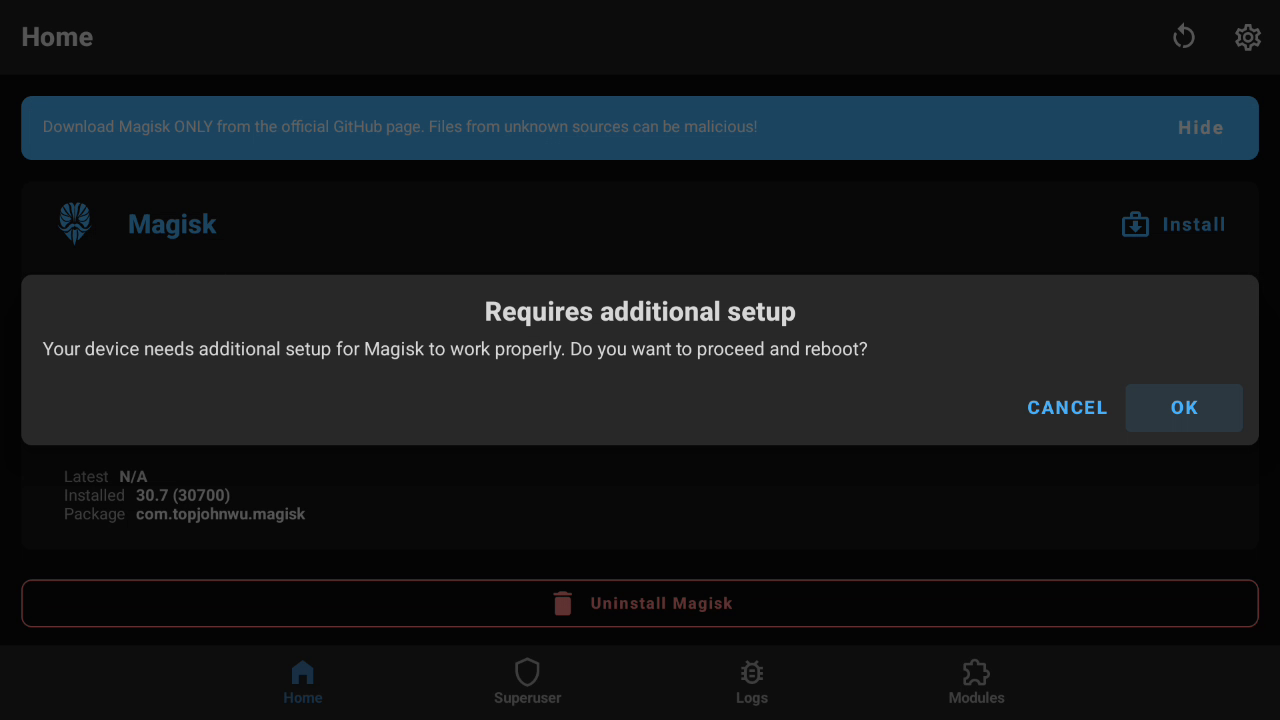
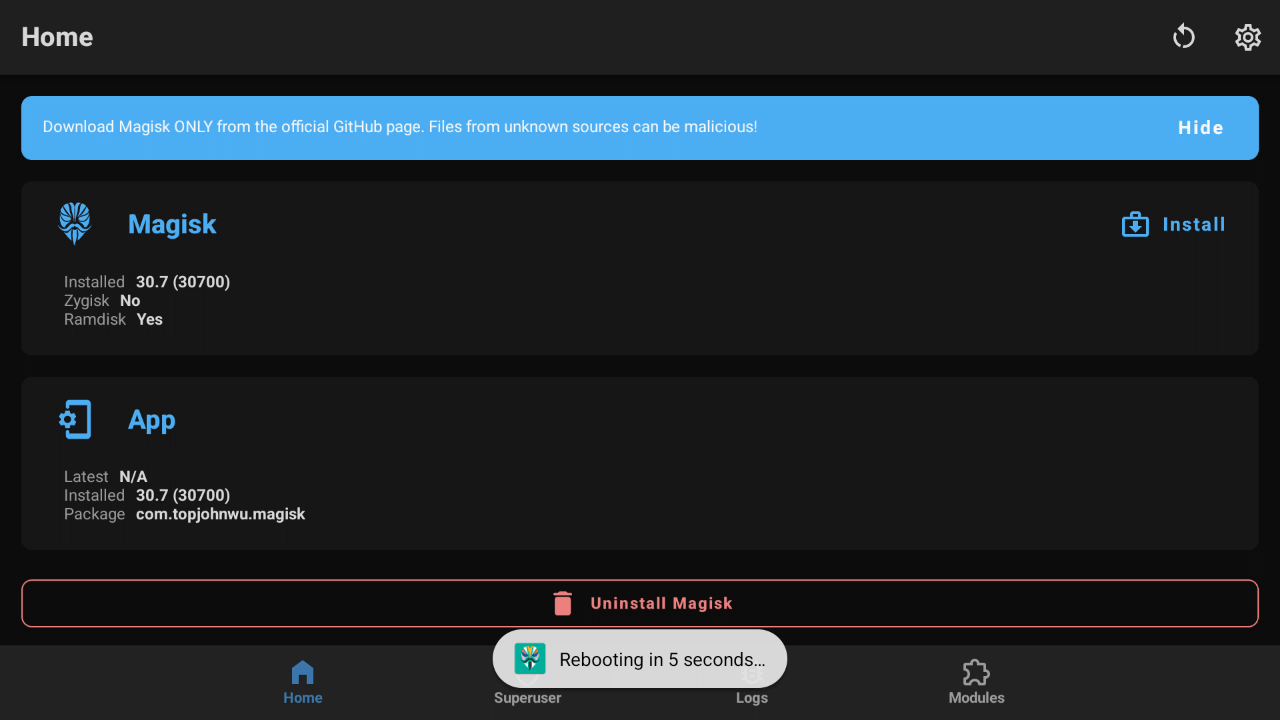
On the rooted version, Magisk asks on first launch to finish the installation and reboot. It's confusing, yet everything is fine: the boot partition shipped is already patched, root works from the very first boot. What Magisk is completing is its permissions database.
And I don't ship it on purpose. This database ties root access to app identifiers that differ from one device to another. Shipping it pre-built would mean granting root, on your device, to identifiers that point to entirely different apps. Magisk has to build it on-site. What looks like a flaw is actually a safeguard.